Which job, on which machine, and when? Your production plan on one screen.
In production, new orders, changing delivery dates and machine stoppages all affect the daily plan. It can be hard to see which job to prioritise, which machine is available and when orders can be completed.
Techsoft Production Planning and Scheduling System helps you build your production schedule by assessing your work orders, machines and working hours together. You can view jobs on a timeline, review machine loads and adjust your plan as needs change.
Works integrated with your ERP processes.

See what's ahead in production
Jobs can pile up on one machine while another stands idle. An order with a delivery date coming up can be missed amid the daily workload.
The production planning screen lets you see jobs and available resources together. So you can assess not only today's work, but the production schedule for the days ahead.
Key features
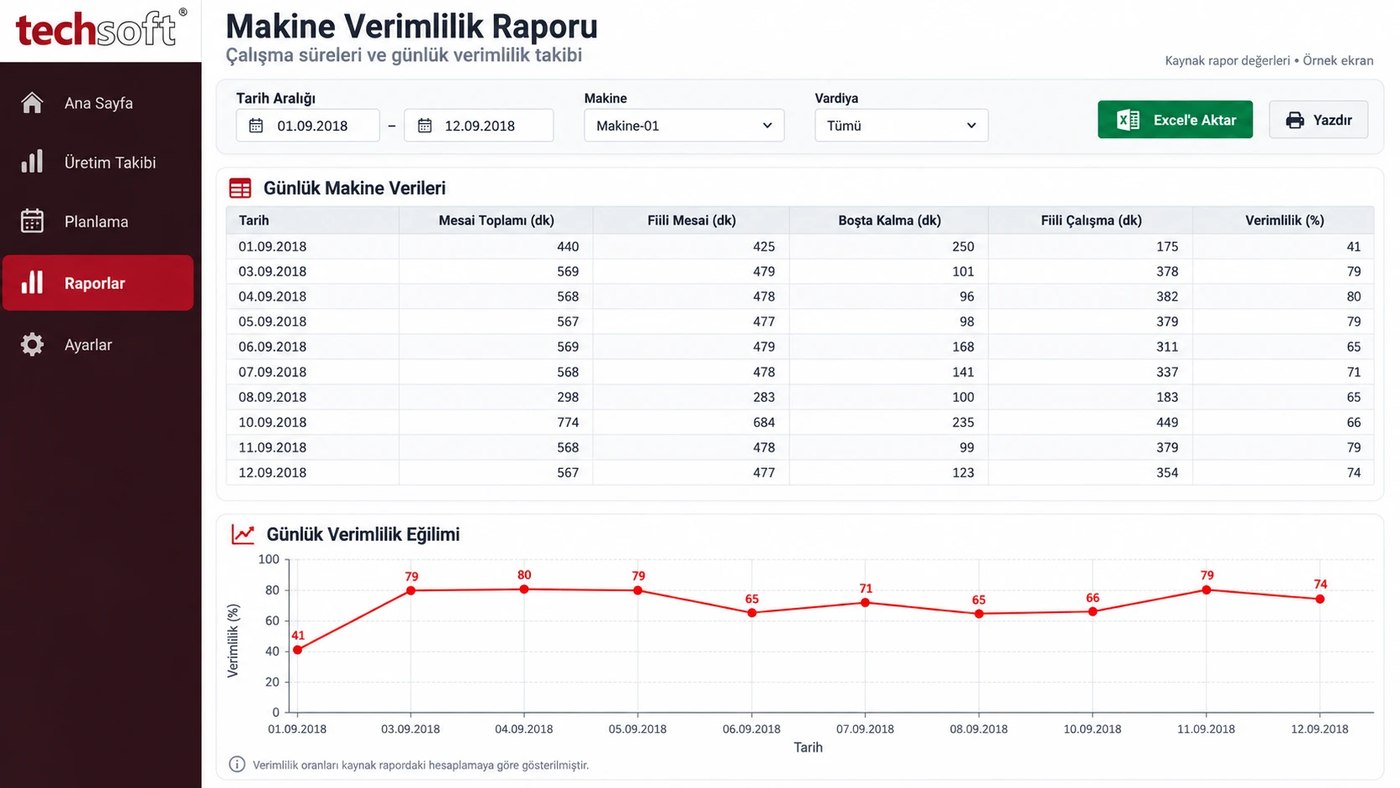
Machine planning
Place work orders on the machines where the relevant operations can be done. See which job is planned on which machine and which jobs are next in line.
Benefit to you: Helps you plan machine use more evenly and see idle time and heavy workloads.
Visual planning with a Gantt chart
A Gantt chart shows your production jobs as horizontal bars on a calendar. Each bar represents a job's planned start, duration and finish. For example, you can see a morning job on a CNC machine and an afternoon job on the same row. You can also review the schedules of different machines together.
Benefit to you: Makes production order and timing easier to understand without reading long lists.
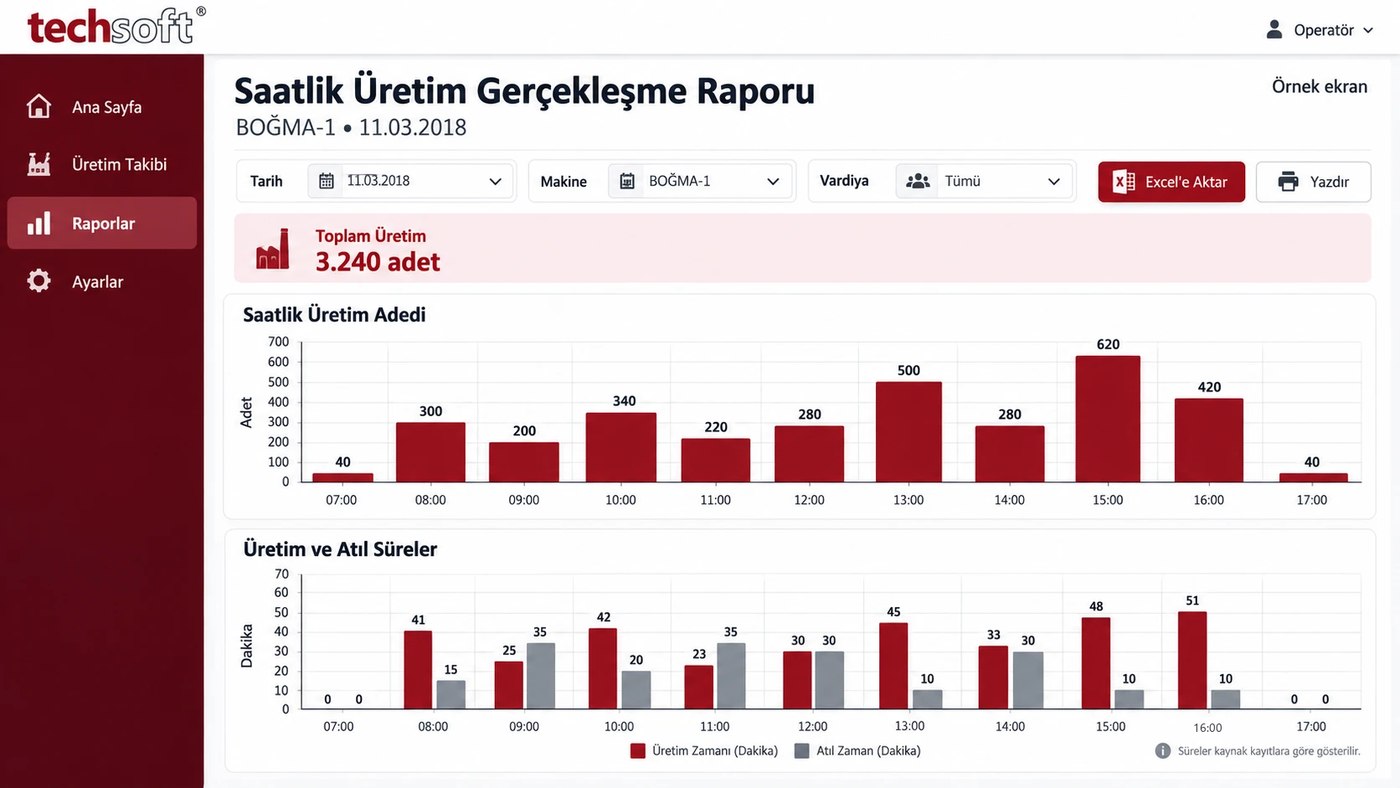
Work order and operation sequencing
Plan in order the stages a product must go through, such as cutting, turning, assembly or inspection. Take into account job priorities and the relationships between operations.
Benefit to you: Helps you see jobs that cannot start until the previous stage is complete, and assess waiting times.
Capacity and shift planning
Build the schedule around machine working hours, shifts and planned non-working time. Review how planned jobs are spread over available working time.
Benefit to you: Lets you see workloads that exceed capacity in advance and assess options such as extra shifts or using another machine.
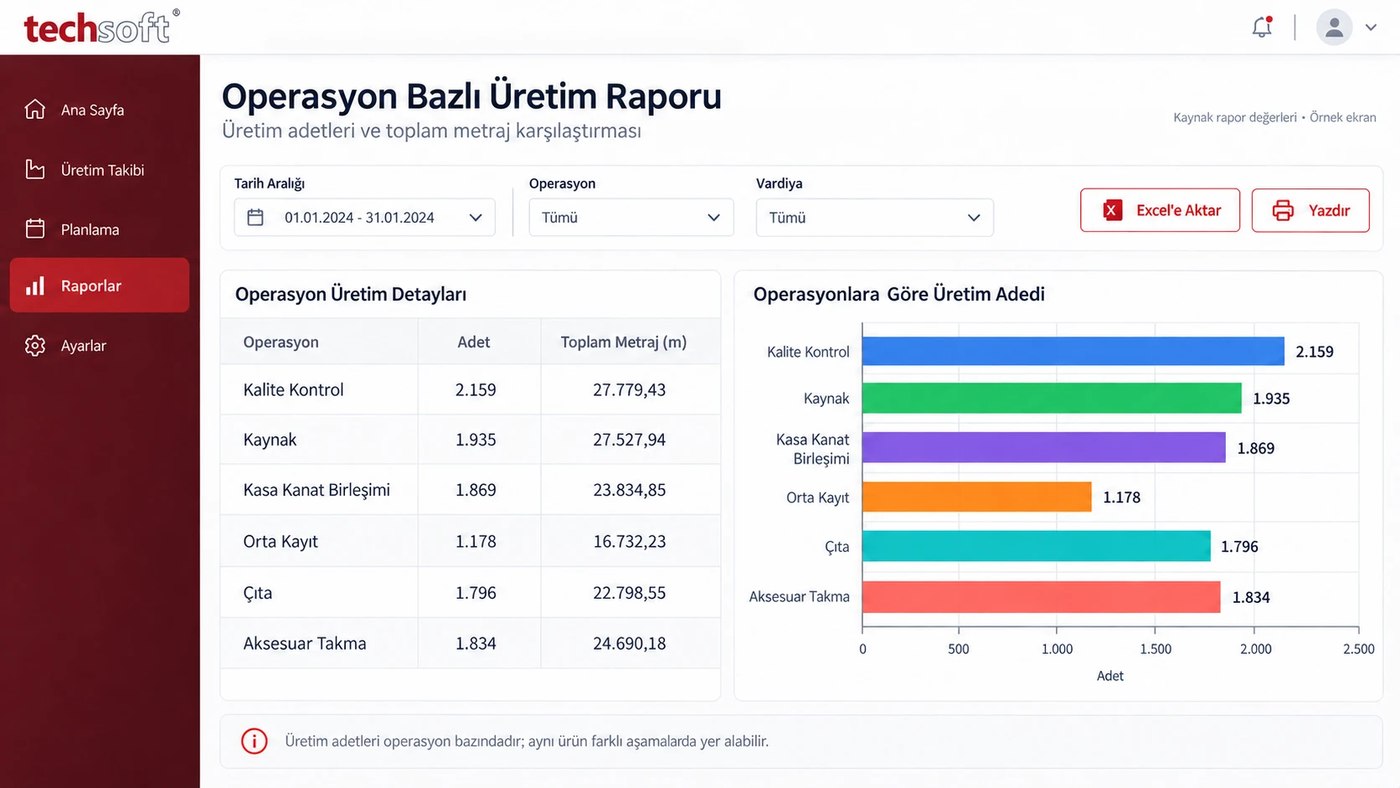
Prioritising by delivery date
Assess work orders together with order delivery dates. Set priority jobs and review planned completion dates.
Benefit to you: Helps you focus earlier on orders at risk of delay and give customers more realistic dates.
Updating the plan as conditions change
Rearrange your production schedule when an urgent order arrives, a job takes longer than expected or a machine becomes unavailable.
Benefit to you: Makes it easier to see how a change affects other jobs and to act on new priorities.
Allowing for maintenance and downtime
Include planned maintenance, holidays and times when a machine is unavailable in the production calendar.
Benefit to you: Reduces the risk of planning work into unavailable hours and supports a more workable schedule.
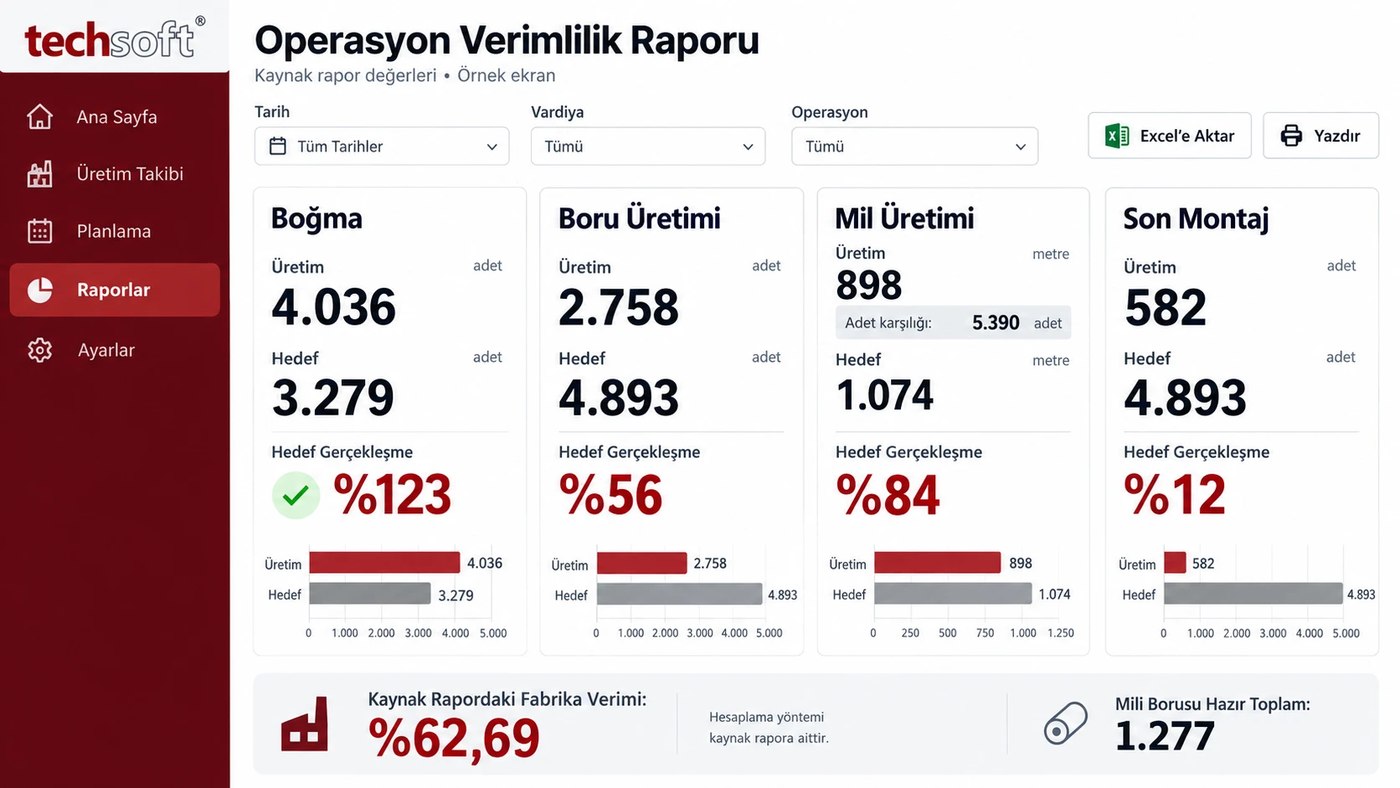
Comparing planned and actual production
With the Production and Shop Floor Tracking System link, review start, finish and quantity information from the shop floor alongside your plan.
Benefit to you: Helps you see jobs behind schedule and assess later plans against actual data.
Working with your ERP
Depending on the suitability of your current ERP system, use order, work order, product and operation information in planning.
Benefit to you: Reduces the need to re-enter the same information and supports sales and production planning teams in working from shared information.
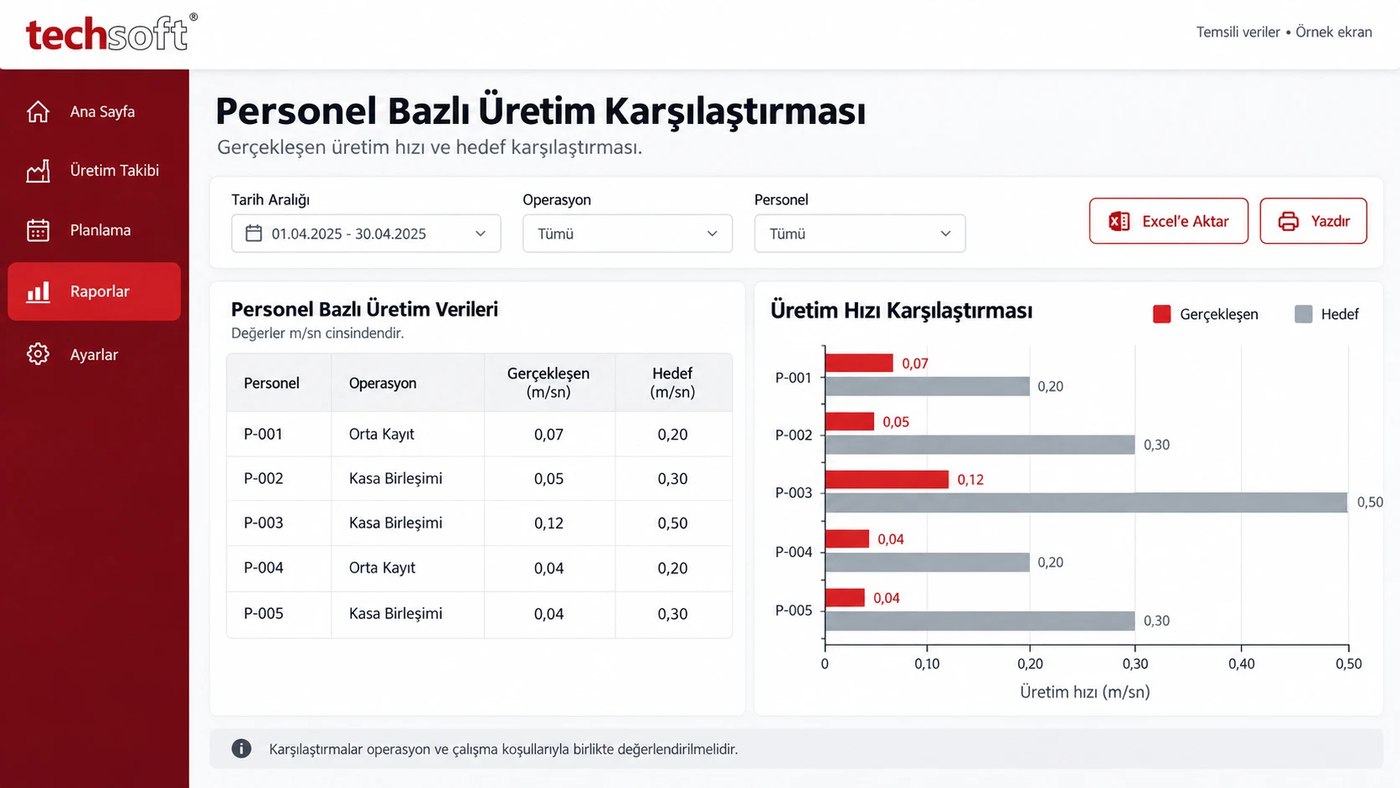
Planning reports
Review plans by machine, work order, operation and date. Assess busy periods, pending jobs and planned completion dates.
Benefit to you: Gives a clearer view of production in daily meetings and management reviews.
How does it help day to day?
Imagine a new order comes in. The planner reviews the order's production stages and delivery date, looks at the calendars of suitable machines and places the jobs in free time.
If other orders must be finished in the same period, priorities are assessed. When a machine gets busy, suitable alternatives or shift options are reviewed.
As production moves forward, the plan is compared with information from the shop floor. If an operation is late, the timing of later jobs is reassessed.
So the production schedule becomes a shared working plan that teams can follow and update when needed.
What does it bring to your business?
A clearer production schedule
The order, place and time of jobs become visible.
More balanced machine load
Busy and idle resources can be assessed together.
Early action on delays
Situations that could affect delivery dates are easier to spot.
Easier coordination
Sales, planning and production teams can work from a shared schedule.
Less planning confusion
An orderly, visual schedule can replace scattered lists.
More realistic delivery plans
Dates can be assessed with workload and working hours in mind.
Planning that fits your production
Every business has a different set of machines, operation order and way of working. At Techsoft we adapt the planning solution to your production structure, priorities and existing systems.
The features and connections to be used are set within the project scope. The accuracy of the plan depends on up-to-date information such as operation times, machine calendars and production reports.
Put your jobs in order, see your capacity and plan production more easily.
Contact Techsoft to assess the right solution for your business and to request a demo.